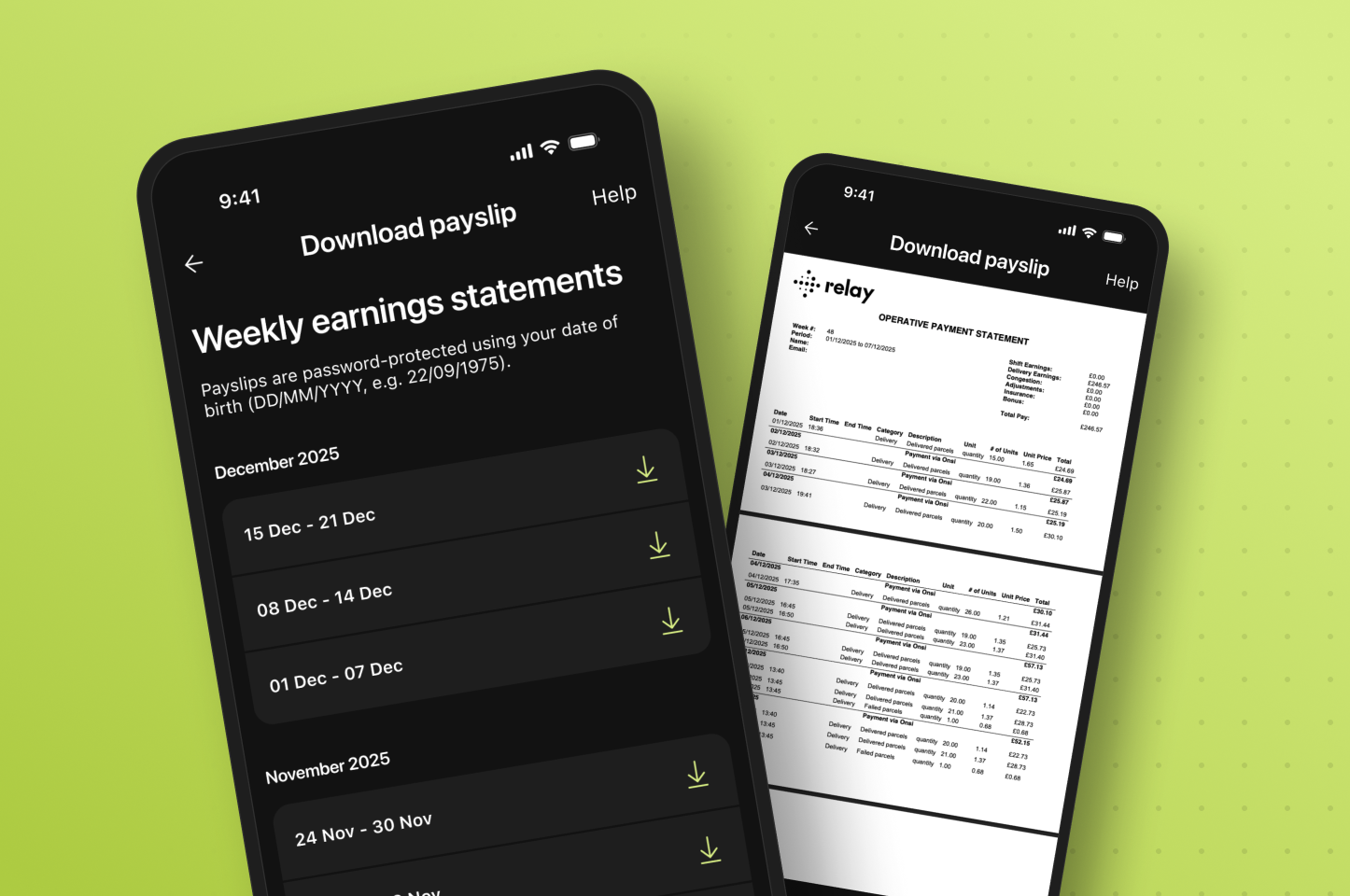
How do I access my payslips in the Copilot app?
To access your payslips, open the Copilot app, go to your Earnings page, and tap the three dots in the top right of the earnings box. You'll need to be on Copilot version 1.67.0 or later.
Full steps:
- Open the Copilot app
- Go to your Earnings page
- Tap the three dots in the top right of the earnings box
- Select Download Payslip
- Choose the payslip you want to view
- Enter your password (your date of birth in DD/MM/YYYY format — for example, 22/09/1975)
- Download the payslip to your device
Your payslip downloads as a PDF you can save, share with an accountant, or keep for your tax records.
Are Relay payslips secure?
Yes. Every payslip is encrypted and password protected. The password is your date of birth in DD/MM/YYYY format, so only you can open it.
Will I still receive payslips by email?
Yes. You'll continue to receive payslips to your email as usual. In-app access is an addition, not a replacement.
Why can't I see my payslips in the app?
The most common reason is an outdated version of Copilot. Update the app and check again — on iOS via the App Store, or on Android via the Play Store.
If you've updated and still can't access your payslips, contact the support team at couriers@relaytech.co.
Quick answers
What format do Relay payslips download in?
Relay payslips download as a PDF to your device.
What is the password to open my Relay payslip?
Your password is your date of birth in DD/MM/YYYY format — for example, 22/09/1975.
Can I access old Relay payslips in the app?
Yes. Your full payslip history is available in the app. If any payslips are missing, email couriers@relaytech.co for help.